

Need to reuse ad creative from other ads but don’t have the files locally on your device? The media library in Ads Manager lets you store, search, and reuse your uploaded creative in new ads quickly and easily.
Loading creative from the media library
When creating a new ad in Ads Manager, you can access previously uploaded image or video files by clicking [Media library] as shown below for various ad formats.
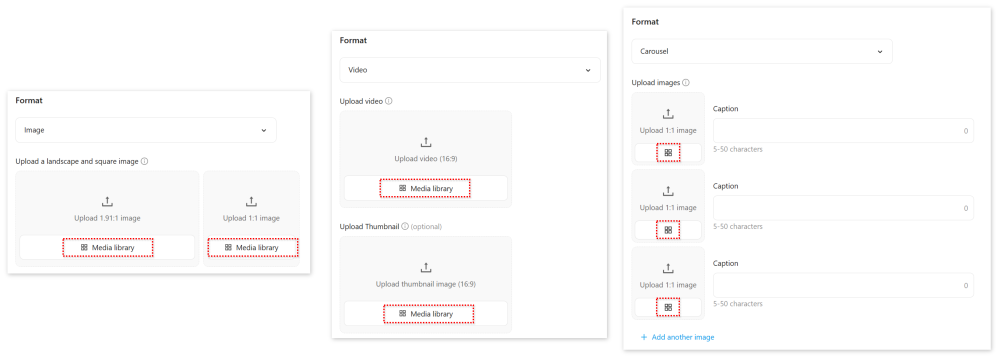
The media library pop-up will appear, showing all media files that can be used for your selected creative type: images, video, or carousel cards.
You can also quickly filter results by using the search field in the upper right.
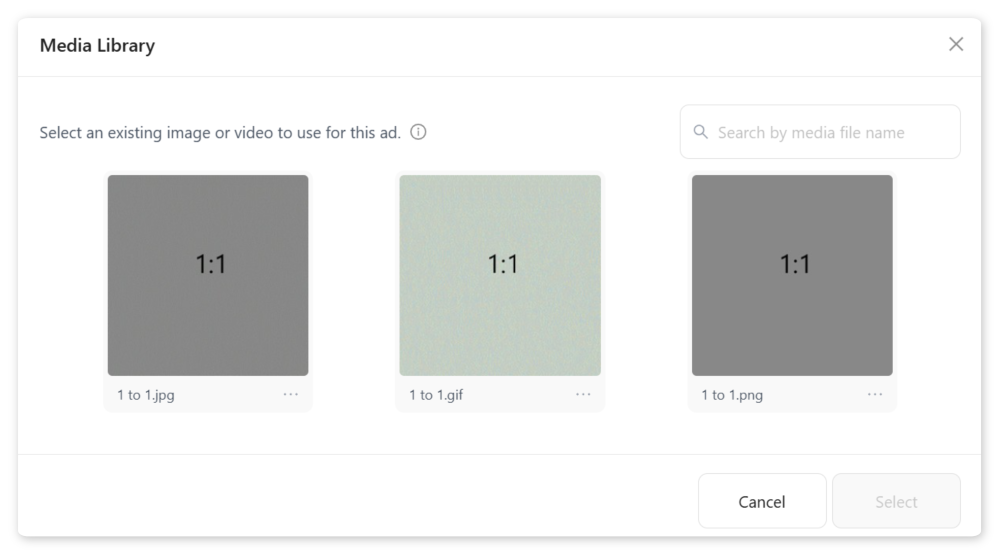
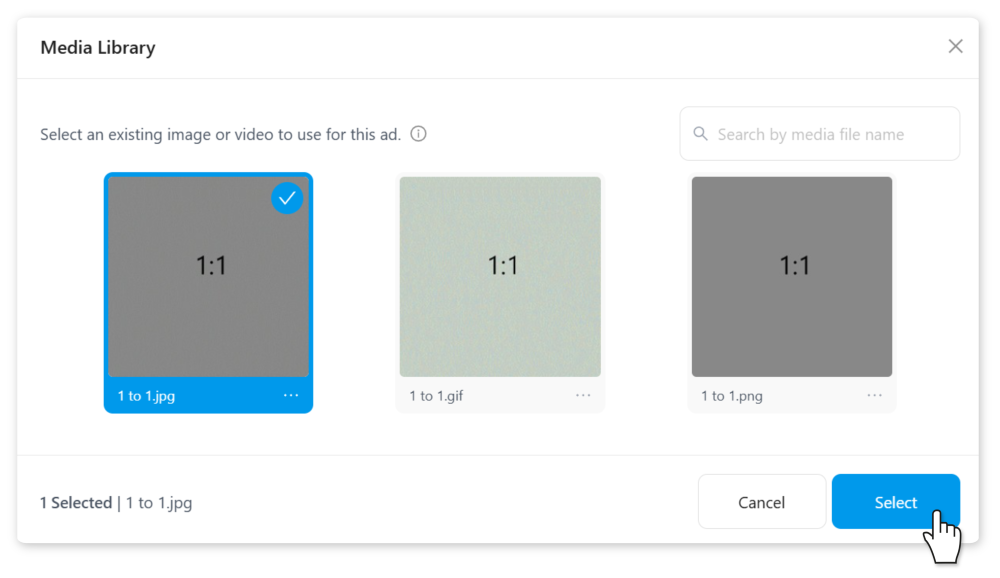
When you’ve found the media file you want, click it, and then click [Select].
Deleting files from your media library
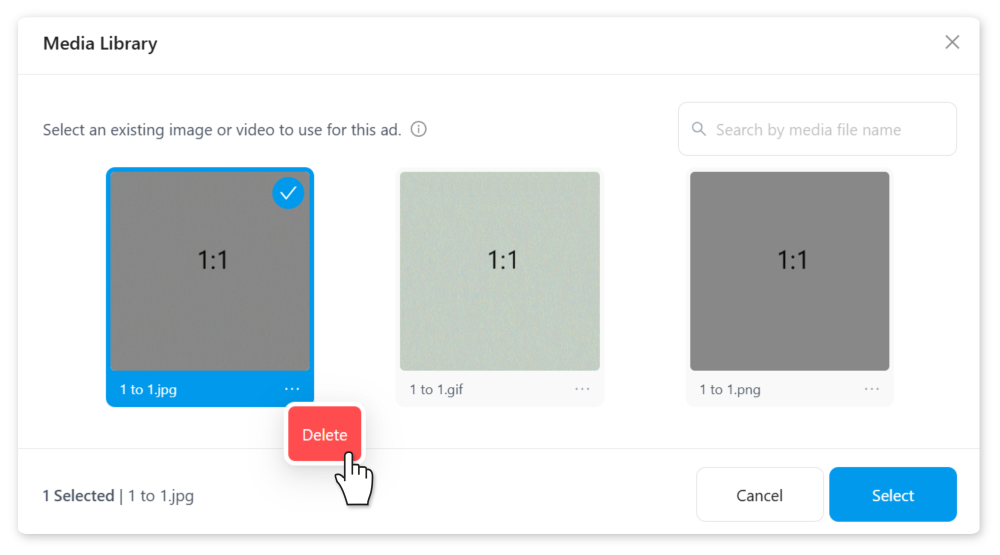
To delete individual files from the media library, click the [・・・] menu in the lower-right corner of its preview image, followed by [Delete]. Once a file is deleted from the media library, it can only be restored by uploading a new version.
FAQ
Q: Can I reuse carousel square images for regular square image ads?
A: Yes, as long as the image files are of the same aspect ratio, images uploaded for one image format can be reused for another.
Q: Can I upload files directly to the media library?
A: Currently only files that are first uploaded as ad creative will then appear in the media library. It's not possible to upload directly to the library at this time.
Q: How do I filter out only older/newer images in the media library?
A: Currently, the media library only sorts media files by the date of upload. To more easily filter images by date, we recommend including a date in your file naming scheme to easily find files via search.
Q: Are the images in my media library already approved?
A: We only review ad creative when you submit an ad for review. This means that creative appearing in your media library isn't guaranteed to pass the review process when submitted.
Q: If I delete ads from the ad tab, will they also be deleted from the media library?
A: No, uploaded creative remains in your media library even if you delete the corresponding ads.