
How to check custom audience
TOP page > [オーディエンス設定] (Audience Settings) > [オーディエンス一覧] (Audience List) > [オーディエンス詳細] (Audience Details)
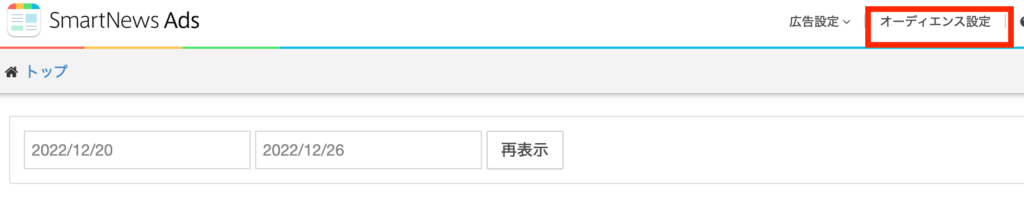
1 Select [オーディエンス設定] from the top menu.
2 Select the target Custom Audience from the Audience list.
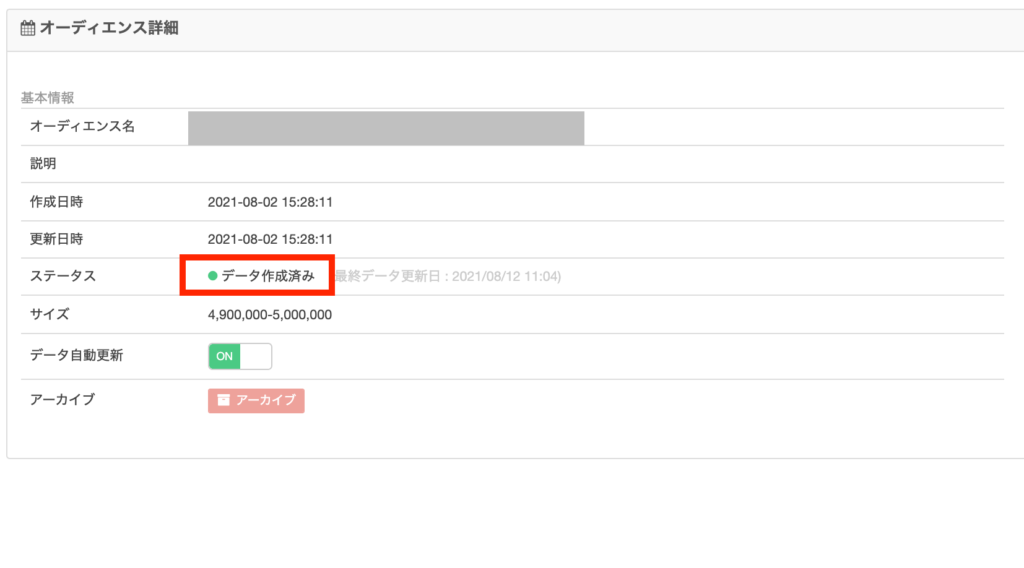
3 Check the creation status and details via Audience Details.
Notes
- Audience data generation (user data generation) takes approximately 3-4 business days. This is only a guideline, as it varies depending on the amount of data and the size of accumulated audience.
- When data generation is complete, the status will change to“Data created”.
“Size” refers to the scale of matches with SmartNews users. While the ad delivery volume will be low with a small list size, it is still possible to deliver ads.
How to change your audience
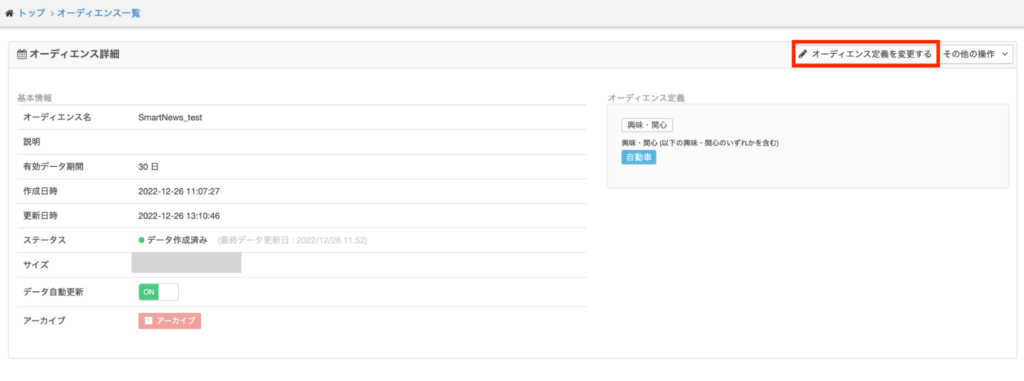
The definition can be changed from [オーディエンス定義を変更する] (Change audience definition) in the audience details. However, please note that this action will require time to regenerate the data.